Private Space
Productivity App
Readiness67%
4/6
Project Hub
Each project has its own page with description, features, technologies and links. This section will grow together with my skills and portfolio.
Project control center
A technical snapshot of the current project portfolio: live demos, source repositories, visual previews and overall project readiness.
Productivity App
4/6
Business Website
4/6
Portfolio Website
6/6
Production gate
This section separates portfolio readiness from deployment readiness. A project can be fully documented and presentable even before its live demo or public source repository is connected.
Portfolio-ready projects
3/3
Deployment-ready projects
1/3
Average portfolio readiness
100%
Average deployment readiness
33%
Productivity App
Portfolio
100%
Deployment
0%
Portfolio
Deployment
Business Website
Portfolio
100%
Deployment
0%
Portfolio
Deployment
Portfolio Website
Portfolio
100%
Deployment
100%
Portfolio
Deployment
Delivery pipeline
This portfolio is designed around repeatable project delivery: define the idea, build the interface, document technical decisions and connect live/source links when available.
Define what the project should show, what problem it solves and how it fits into the portfolio.
Implement the frontend structure, reusable components and responsive UI.
Turn the project into a case study with implementation notes, testing details and roadmap.
Connect live demo, source repository, visual preview and production metadata.
Technical matrix
A clearer way to review which projects already have live demos, source code, visual previews and strong case study coverage.
Private Space
private-space
Aurora Beauty
aurora-beauty
Web Dev Portfolio
web-dev-portfolio
private-space
Productivity App
aurora-beauty
Business Website
web-dev-portfolio
Portfolio Website
Maintenance system
The portfolio is structured so future projects can be added by extending content files, connecting preview assets and filling technical documentation sections.
The main project data powers cards, filters, case study pages, metadata and structured data.
Each project should have a visual preview before or after deployment.
Project-specific technical sections make the case study stronger than a simple project card.
Release details explain what is live, what is pending and what is prepared for future deployment.
Once the structure is ready, future work should mostly mean adding new project entries, screenshots, links and technical notes.
3
Total projects
2
Completed
1
In progress
2
Languages
Showing 3 projects
Use filters to quickly find a specific project.
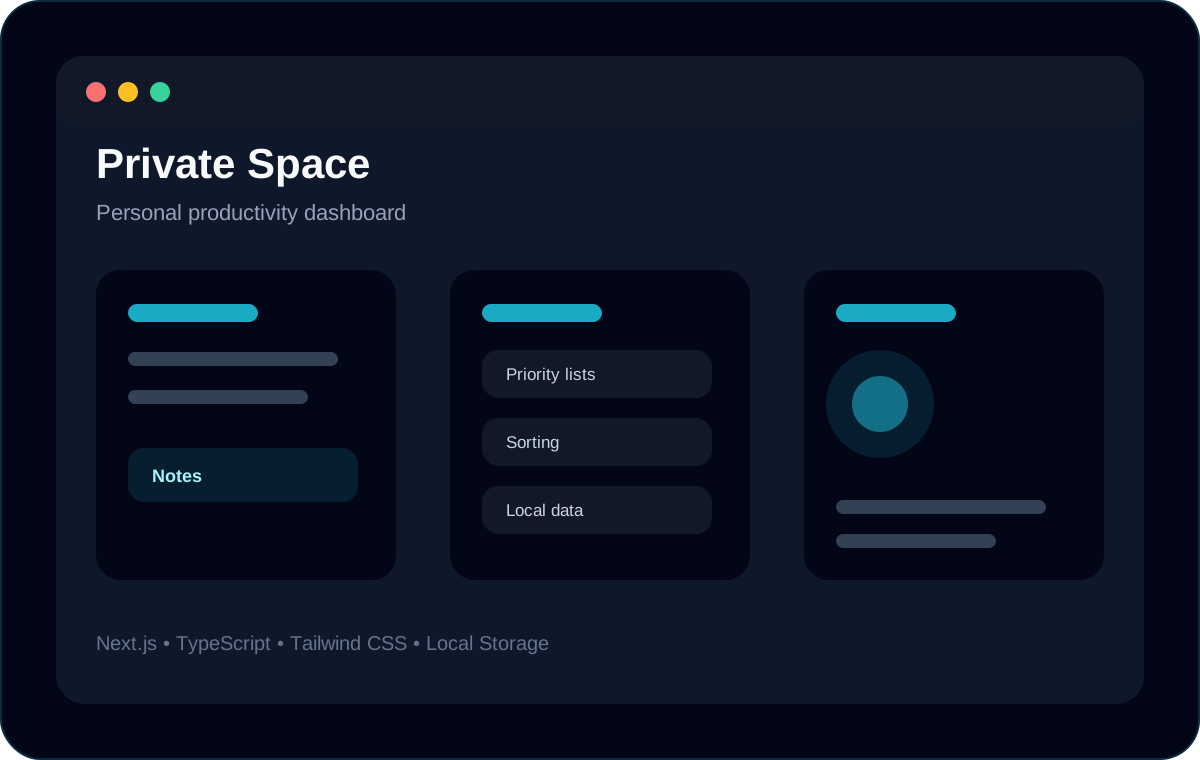
A personal productivity dashboard for managing notes, lists and plans in one structured workspace.
Year
2026
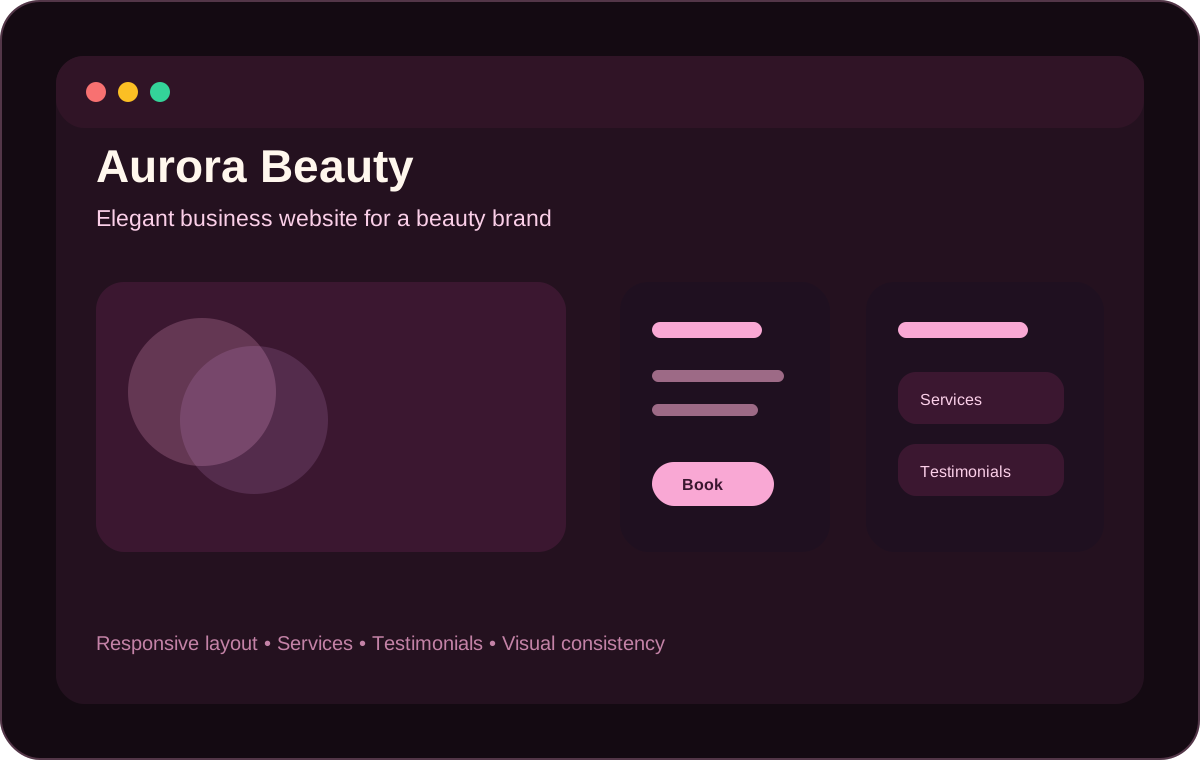
A modern business website for a beauty brand, focused on services, trust and responsive presentation.
Year
2026
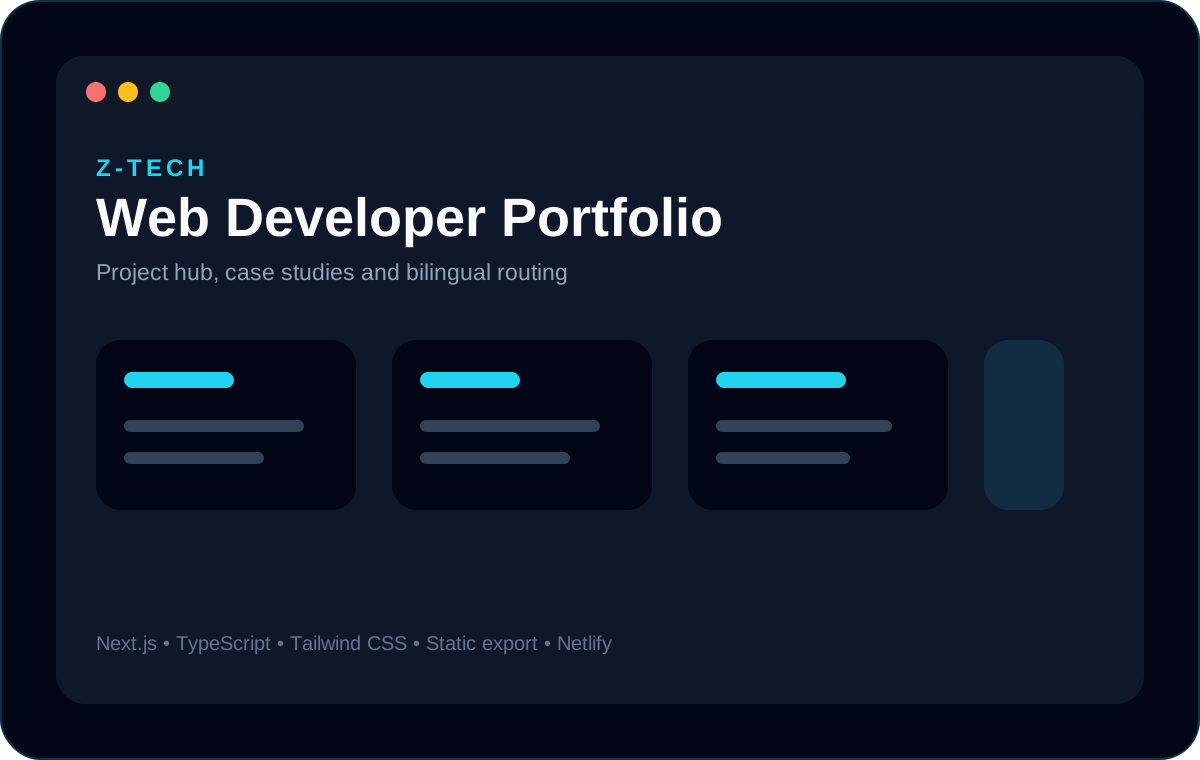
A production bilingual portfolio website deployed under a custom domain and built as a hub for frontend projects and case studies.
Year
2026