Live Demo
A deployed version of the project that can be opened and tested in the browser.
This link has not been added yet. It will be updated after deployment or repository publication.
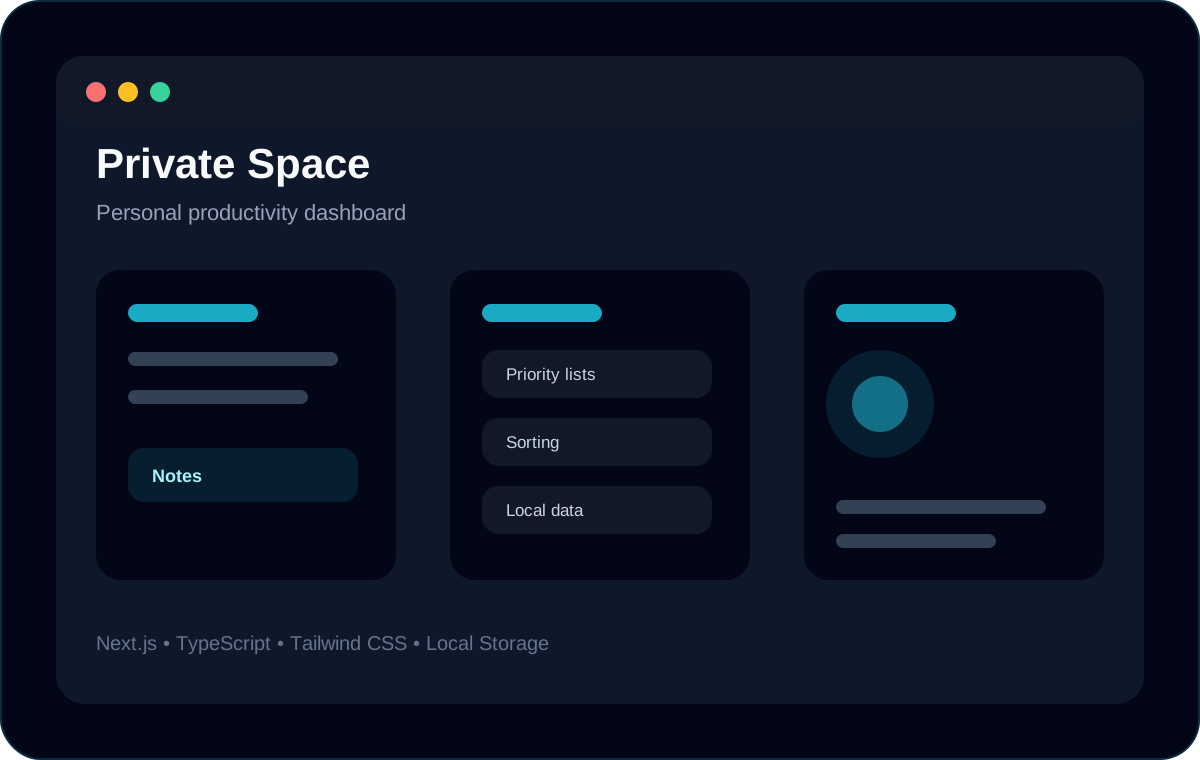
Private Space is a practical productivity application built to organize personal notes, task lists and plans inside one dashboard. The project focuses on modular structure, local data persistence, reusable UI components and clear user flows.
Project links
This section collects external links connected with the project. When a project is deployed or published, the links will appear here.
A deployed version of the project that can be opened and tested in the browser.
The source code repository with the project structure, components and implementation details.
Live preview
When a project has a deployed live version, it can be previewed directly inside the portfolio case study.
This area is prepared for a future embedded preview. Once the project is deployed, the live URL can be connected here.
Snapshot
A compact overview of the project type, status, stack and the most important implementation highlights.
Technical overview
A quick technical status of the project: deployment, source code, visual preview and implementation stack.
The live version has not been connected yet. This area is ready for a future deployment link.
Not added yet
The source code link has not been added yet. This area is ready for a future repository link.
Not added yet
The project currently uses a designed preview image prepared for the portfolio case study.
Designed portfolio preview
Technologies used to build or present this project inside the portfolio.
Next.js, TypeScript, Tailwind CSS, Local Storage
Implementation
Private Space is structured around separate feature areas for notes, lists and plans. The technical focus is local persistence, predictable UI updates and reusable dashboard components.
The application is split into practical modules instead of one large page, making it easier to extend and debug.
Key points
The project uses browser storage to keep user data available between sessions without requiring a backend.
Key points
The interface was improved with priority indicators, sorting behavior and cleaner loading states.
Key points
Testing & review
The main review focus is whether data stays consistent, UI states are predictable and core flows still work after refresh.
Core user actions should persist and remain stable after reload.
Checks
Navigation and dashboard sections should remain clear across desktop and mobile views.
Checks
Quality checklist
A project-focused checklist showing which presentation and delivery elements are already available inside the case study.
The project has a dedicated case study page with structured sections.
The deployed project can be opened and tested directly in the browser.
The source repository is connected and can be reviewed externally.
The project has a visual preview prepared for portfolio presentation.
The technologies used in the project are listed and visible.
The project has a clear list of future improvements or development notes.
Release status
Private Space is currently presented as a technical case study with designed preview assets. The project is ready for a future public demo under a dedicated subdomain and can receive source links when the repository is prepared for publication.
Planned demo
A public live demo is planned as the next release step.
Resolved live URL
—
Repository planned
The source area is prepared for a future public repository link.
Resolved source URL
—
Preview available
A designed SVG preview is connected for portfolio presentation.
Asset
/project-previews/private-space-dashboard.svg
Build command
npm run build
Build output
Next.js production build
Checks
Live code showcase
A curated look at selected implementation fragments. The preview loops through project files while the source button stays available when a public repository is connected.
A browser storage layer keeps user notes, lists and plans available between sessions.
Code preview
src/lib/noteStorage.ts
src/lib/noteStorage.ts
01Asset manifest
A technical overview of the preview assets used to present this project across cards, featured sections and case study pages.
A central screen for quickly accessing notes, lists and plans.
Used in
A designed SVG preview is connected for portfolio presentation.
Designed SVG previews can be replaced with real screenshots once the project has a final live deployment.
Case Study
A short breakdown of the project scope, features, technical decisions and next development steps.
Roadmap
A project roadmap helps keep the case study honest: what is already done, what is still pending and what can be improved in the next iteration.
Prepare a public live demo under a dedicated subdomain.
Add stronger search and filtering across modules.
Improve empty states and onboarding messages.
This portfolio is designed so new deployments, source links, screenshots and technical notes can be added without rebuilding the whole structure.
Continue exploring
More projects
Each project has its own page, structure and development notes. This portfolio is designed to grow with new work.
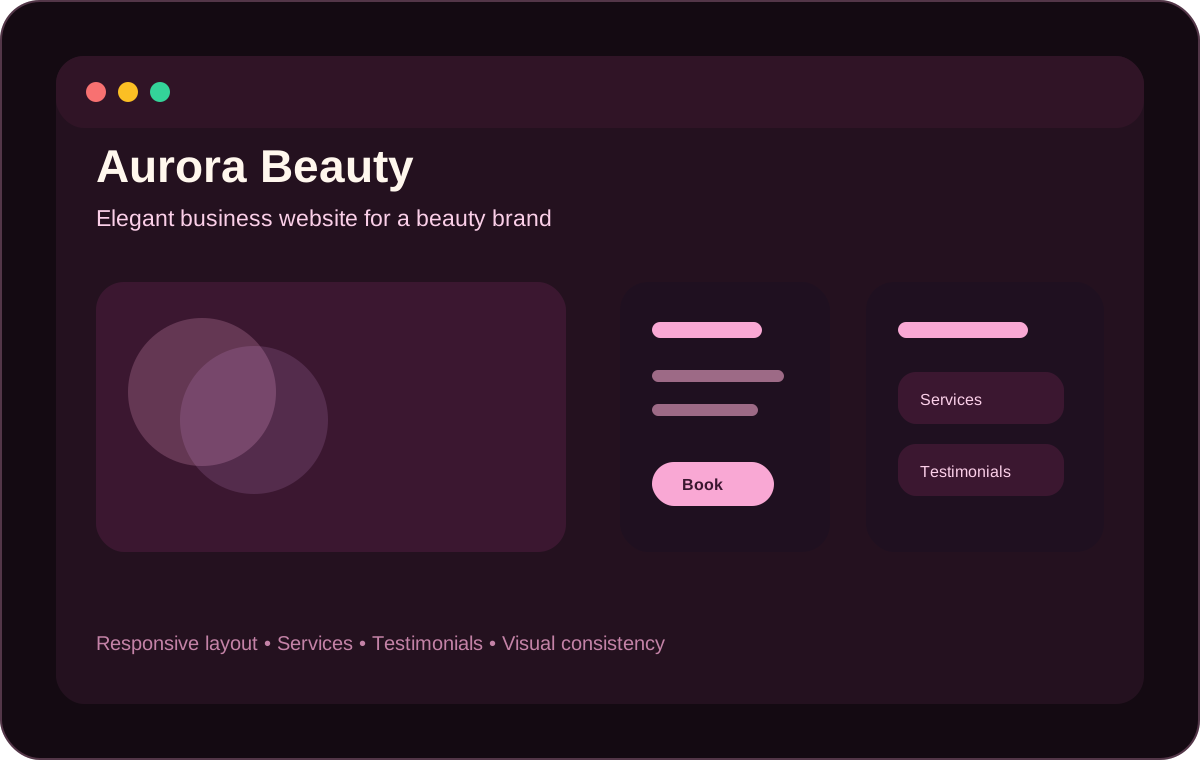
A modern business website for a beauty brand, focused on services, trust and responsive presentation.
Year
2026
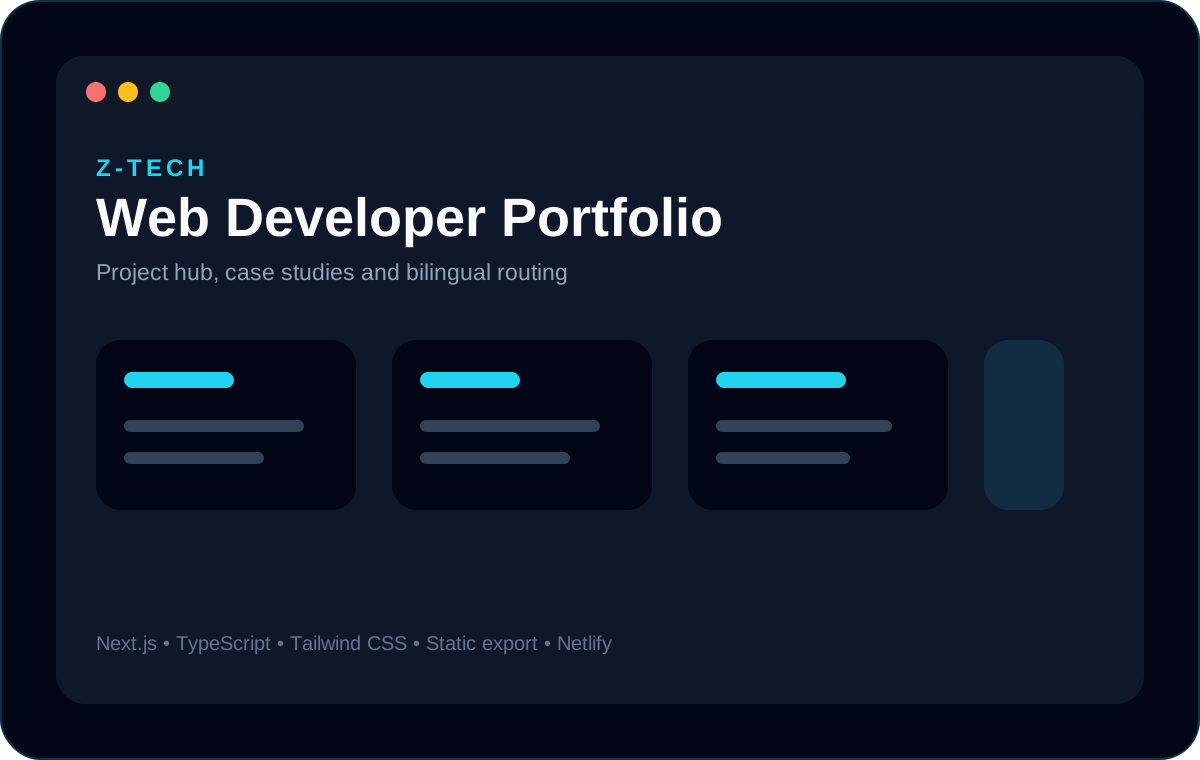
A production bilingual portfolio website deployed under a custom domain and built as a hub for frontend projects and case studies.
Year
2026